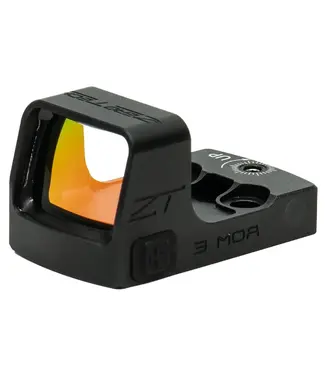
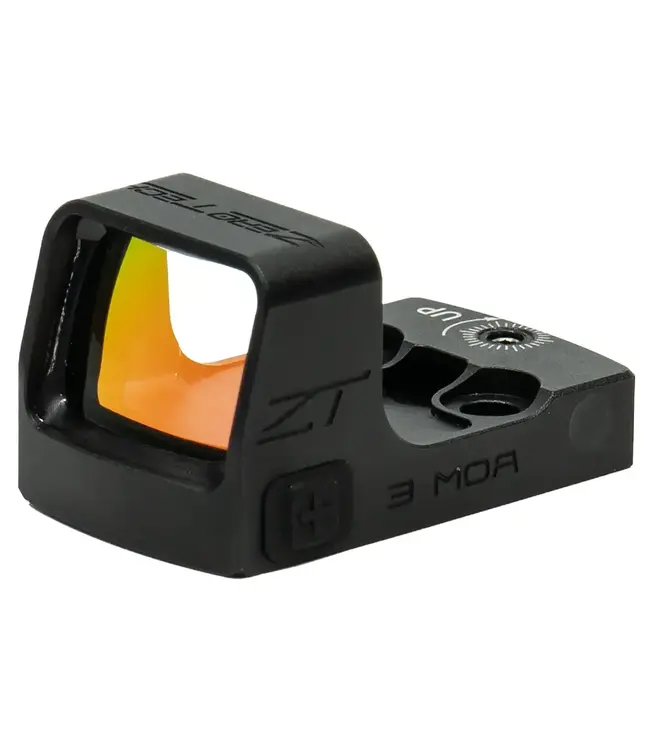
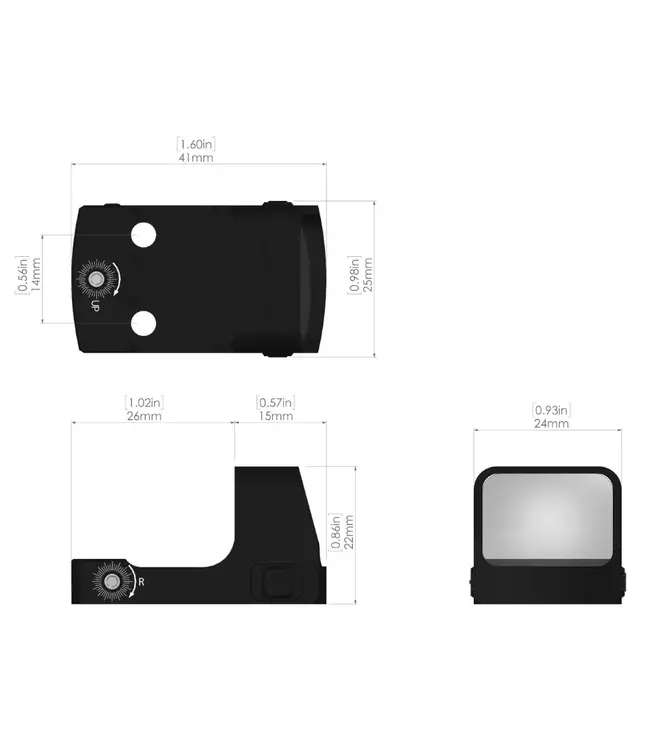
Based of the same legendary bullet-proof features of our THRIVE, the THRIVE HD features industry leading High Definition glass, uncompromised strength and crystal clear precision optics.
Functions:
- To activate the THRIVE HD micro reflex sight, briefly depress the + button.
- Use either of the illumination brightness control buttons (+ or -) to adjust the brightness settings.
- There is a total of 10 illumination brightness settings.
- The THRIVE HD micro reflex sight has an auto sleep/ auto activate function. If the sight is left undisturbed for 2 ½ minutes, it will automatically enter sleep mode.
- As soon as the sight detects motion, it will resume the previously selected brightness setting.
- To shutdown the THRIVE HD micro reflex sight, press and hold the – button for 3 seconds. You will need to active the sight by briefly pressing the + button again before use.
- Zerotech recommends shutting down your sight when in storage